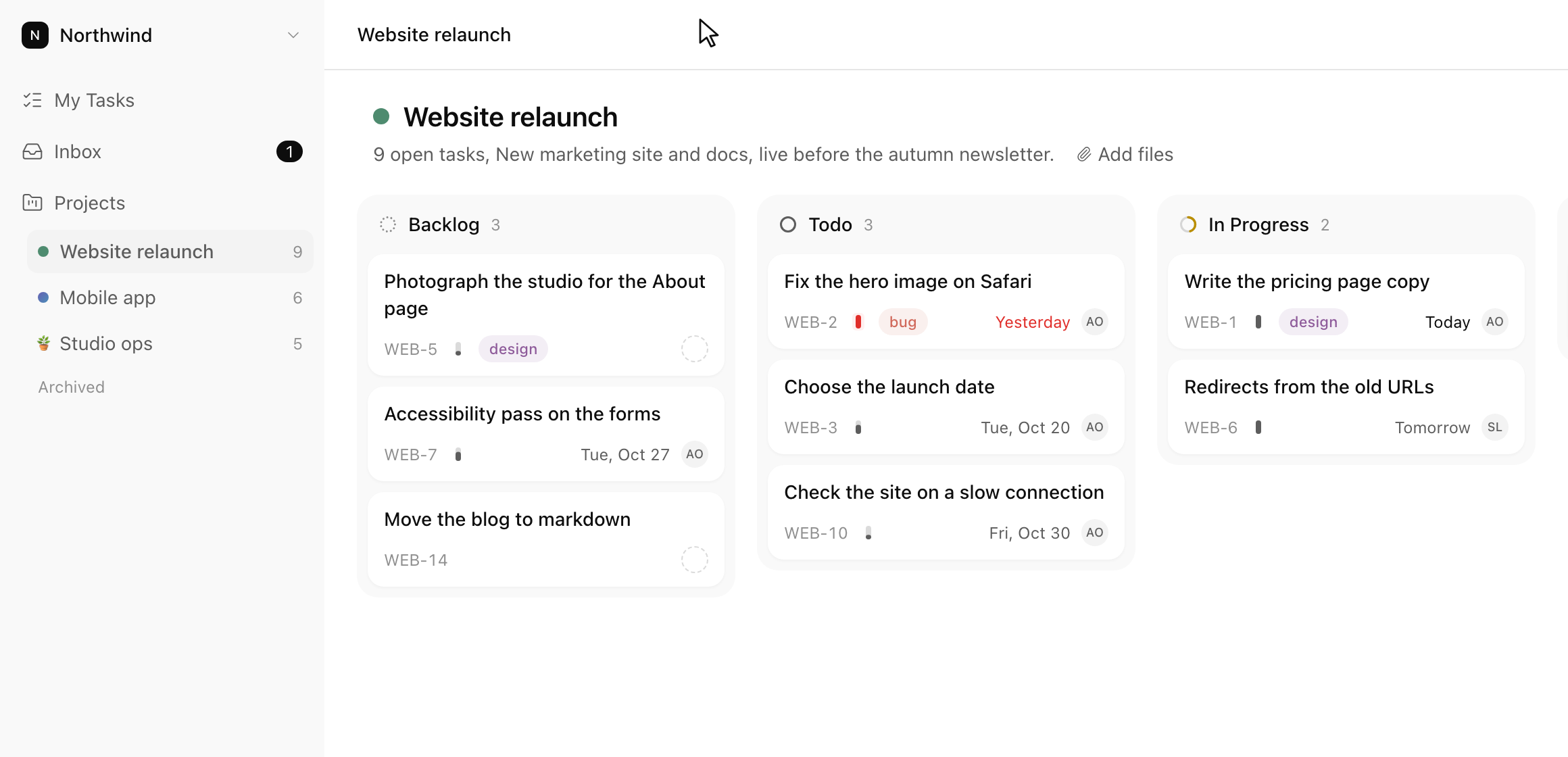
The same tasks as a list or as a board
Six statuses in every project. Drag a card to change its status, or stay in the list and never open the board.
Write down what needs doing
Six statuses in every project. Drag a card to change its status, or stay in the list and never open the board.
C adds a task anywhere, ⌘K finds anything. On a selected task, S, P, A and D change its status, priority, assignee and date.
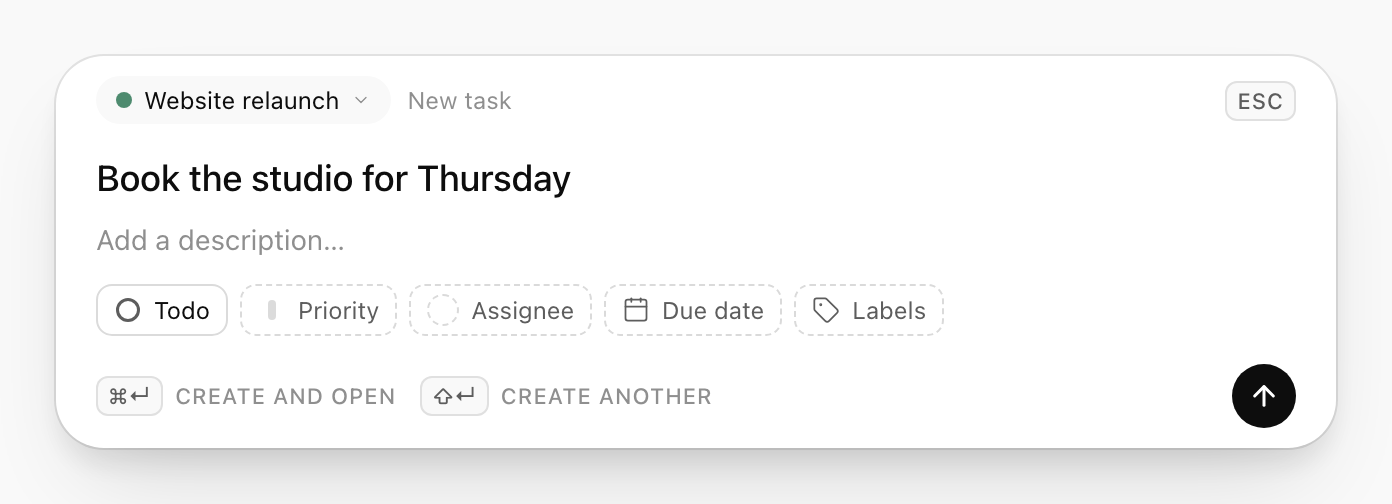
The task lands in the project you were looking at. Give it a date here or leave it.
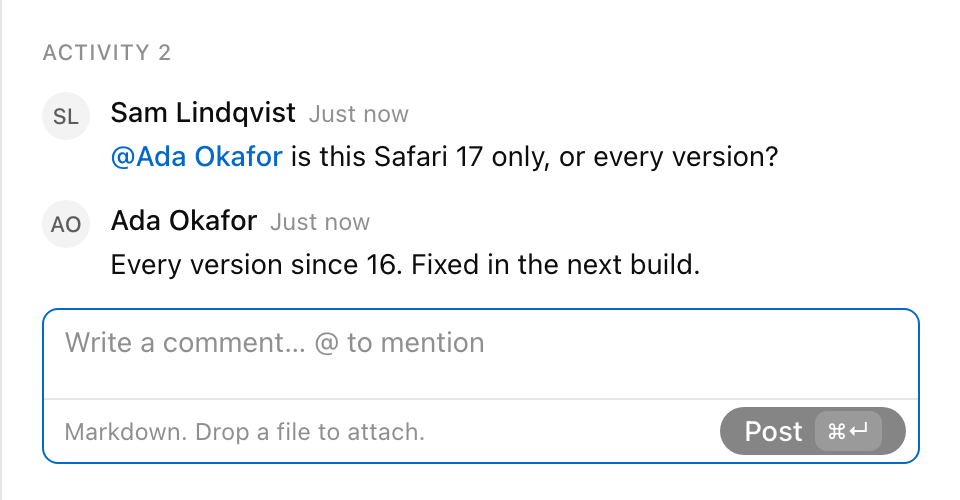
Mention a teammate and it lands in their inbox. Their answer shows up without a refresh.
One person, one workspace.
$0
A small team, or more room.
$4
Full price $8
per member a month, billed yearly
$6
Full price $12
per member a month, billed monthly
Founding price for the first hundred workspaces, for as long as you stay on Pro.
Prices in USD. Tax is added at checkout.
Yes, for one person in one workspace: up to 5 active projects and 100 tasks. No card and no time limit. At a cap, creating a project or task is refused with a line saying which one you hit; archiving or deleting frees room, and nothing is ever deleted for billing reasons.
No, and they are not planned. No sprints, epics or milestones, no custom fields or statuses, no dashboards, time tracking or dependencies. No admin, guest or viewer roles either: a workspace has owners and members, and everyone sees every project. Those are what make task tools complicated, and leaving them out is the point.
$8 per member a month billed yearly, which is $96 a seat a year, or $12 billed monthly, per workspace. Every member counts as a seat, the first one included, so a team of three pays for three. Any workspace can start 14 days of Pro from Billing; a card is taken and nothing is charged until the trial ends. Prices are in USD and tax is added at checkout.